See
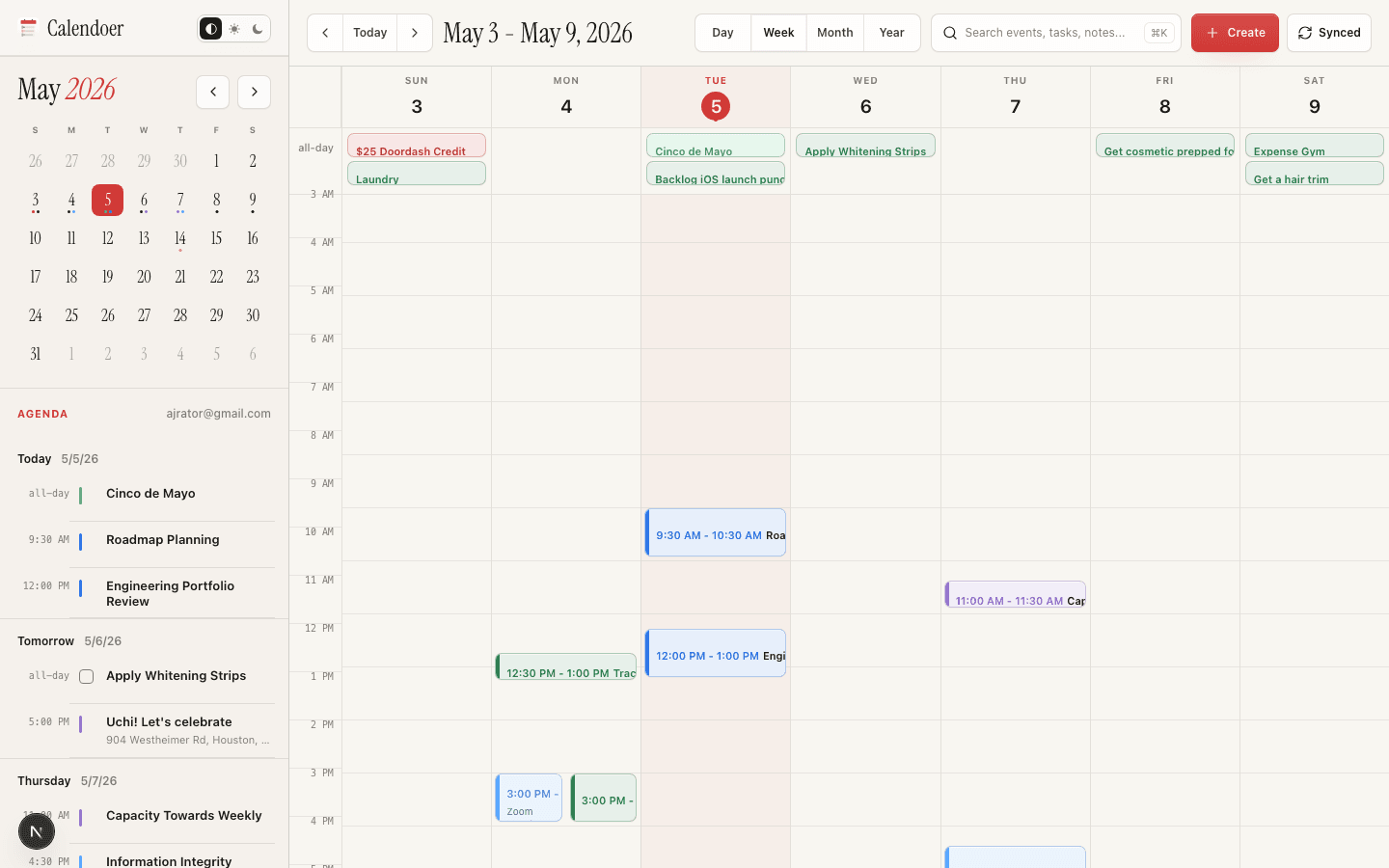
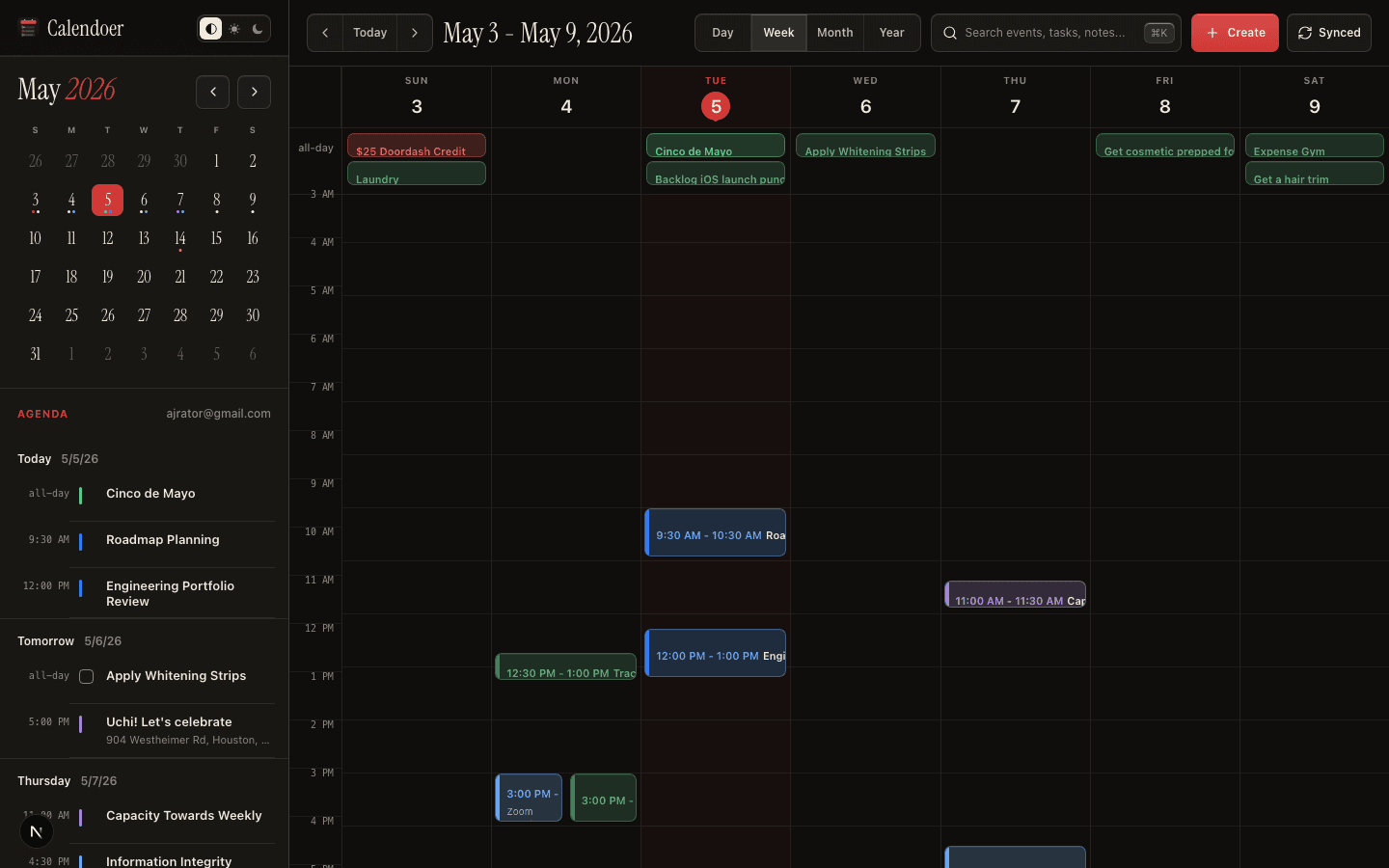
The day at a glance.
A single warm timeline. Calendar events, tasks, reminders — woven together with quiet typography. No tab-hopping. No second app to keep in sync.
One quiet timeline for your calendars, your tasks, the flyer in your pocket, and the thing you just said out loud. Available in the browser, on iPhone, and on Apple Watch with the same calm model underneath.
Calendoer integrates with Notion, Google Calendar, Linear, Outlook, Todoist, Obsidian. Calendoer for the browser, iOS, and watchOS.
Web
Plan across a week, route work to Notion or Google Calendar, and keep the inspector close without leaving Calendoer.
A small manifesto
Acalendarshouldn'tshout.Itshouldholdyourdaythewayagoodpageholdsink —quietly,clearly,yours.
Three small habits
See
A single warm timeline. Calendar events, tasks, reminders — woven together with quiet typography. No tab-hopping. No second app to keep in sync.
Capture
Speak it. Scan a flyer. Photograph a whiteboard. Calendoer turns the messy real world into clean events and tasks — entirely on your device, never sent to a server.
Plan
A morning ritual that takes a breath. Weekly review without dread. Calendoer keeps Notion and Google Calendar in lockstep so changes you make anywhere arrive everywhere.
Tonight
The Heliotrope
Live · 9 PM
224 Bernal · Mission
No cover · Doors 8:30
Snapped
When
9:00 - 11:30 PM
Where
224 Bernal, Mission
Calendar
Personal
On your day
Picture mode
A flyer on a lamppost. A whiteboard after standup. A business card slid across the table. Take a photo - Calendoer pulls the date, the time, the place, and writes a clean event you can accept with a tap.
Sync, both ways
6 integrations are live today. We add the rest only when sync is quiet, predictable, and reversible - not as checkboxes on a list.
 Google Calendar
 Outlook
 Notion
 Linear
 Todoist
 Obsidian
Want to nudge the order? Email support@calendoer.ai and tell us what you'd connect first.
A quiet stance
Honest about what we are
In the browser, on iPhone, and on Apple Watch today.
Bigger screens and deeper workflows, thoughtfully, after.
Ready when you are
Start in the browser, keep the iPhone app close, and glance at the next thing from Apple Watch.